

Top 5 photography apps for iPhone The best cameras for iPhone and iPad
The latest iPhone models, which are presented in 2019, received new cameras. Also this year, a new version of iOS was released. The built-in Camera app now supports manual settings such as frame rate and resolution. You no longer need to exit the app to adjust settings. At the same time, the functionality of the built-in Camera application is not yet able to fully satisfy the needs of users. This disadvantage is completely covered by third-party applications that are available in the App Store.
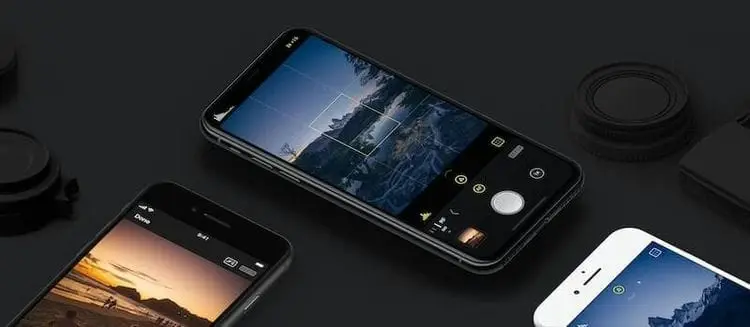
Turn your phone into a professional camera
The basic application does not allow you to reveal all the capabilities of the camera, so to make the pictures really interesting, we suggest taking a look at third-party programs. So, thanks to them it will be possible:
- change the lighting settings, which is especially important in low light conditions;
- change or remove the background;
- focus on several subjects at the same time, etc.
One such useful app is Slør. It does not take up much space, has an easy and intuitive interface. With it, with just one touch, you can transfer the point of attention to the photos. What is surprising, because such functionality is also available in a standard application? The fact is that in Slør you can shift the focus after you take a photo. Just move the yellow square to the right place and you're done!
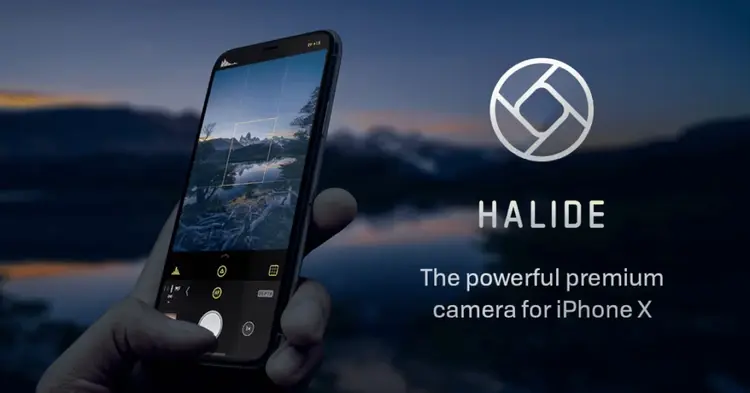
Another essential app for photography lovers is Halide Camera. It is capable of working with the new iPhone 11 and iPhone 11 Pro cameras. Thanks to him, you can take photos with blur. Switching between camera lenses is faster and more convenient than in the standard Camera app. For this, Haptic Touch technology is used.
Also, the developers have added a useful and new feature called Lens Guides. It will help to make photos of better quality, regardless of the situation. With it, you can view a picture from other cameras, which is superimposed on the main image. You can choose the best option that will satisfy your wishes for photo quality.
Thanks to Halide Camera, you can capture RAW images with less noise and then process them with a photo editor. The program also adds useful features that will help you take professional-level photos.
Neural networks help photographers
Technologies do not stand still, and their results are actively used in the creation of applications. So, an application called NeuralCam can significantly improve photography through the use of artificial intelligence.
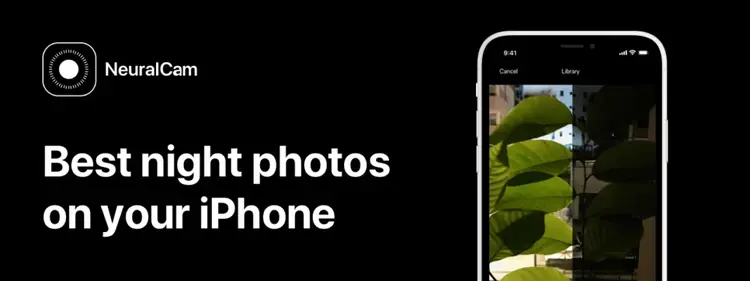
The difference between a photo taken with NeuralCam and the standard app is really impressive. The main focus of the application is for night shooting. Frames that you can get will not be able to make the base "Camera". NeuralCam enhances image detail, reduces artifacts, and makes low-light shots look attractive.
The application processes the photo in real time, so when using it, it is important to leave the phone in the same position after taking the picture for a few more seconds. Ideally use a tripod.
Experiment with photos to surprise your friends with high-quality pictures!